
Bulk ZIP Download
Overview
Section titled “Overview”Download every file attached to the record as a single ZIP archive. The Download All Files link appears at the top of the component whenever at least one file is present.
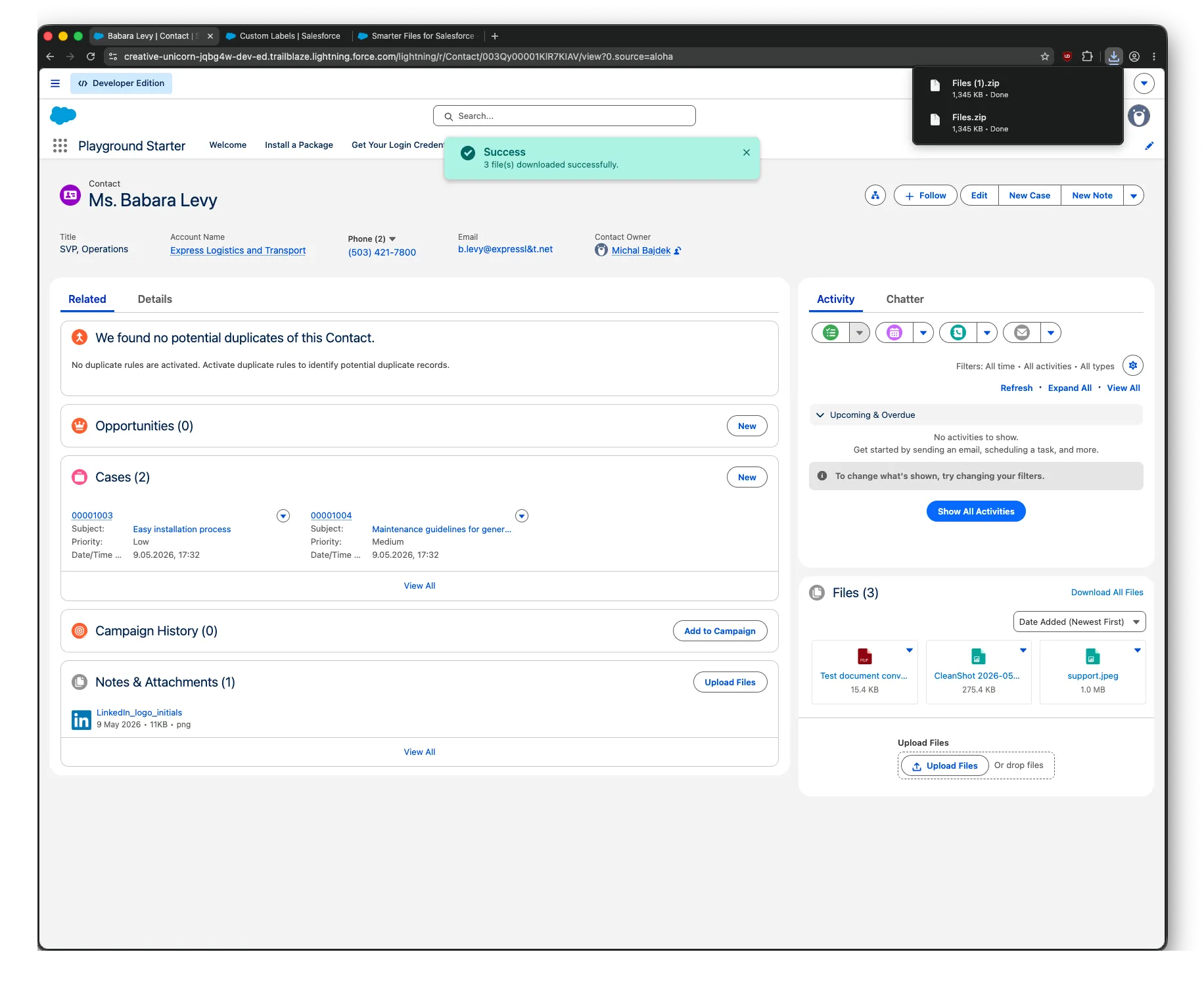
How It Works
Section titled “How It Works”Smarter Files picks the right strategy based on total file size:
- Under 18 MB total — JSZip builds the archive in the browser. The ZIP is generated and downloaded entirely on the user’s machine — no server-side processing involved.
- Over 18 MB — the server builds the ZIP, bypassing Apex heap limits via the file servlet. There is no practical size cap on the archive.
While the ZIP is being prepared, the Download All link is replaced with a small spinner. The user sees a single “Download All” button regardless of which path is taken; the component decides automatically.
Visibility Filtering
Section titled “Visibility Filtering”Only files the user is allowed to see are included in the ZIP. Files restricted by:
- Visibility category rules (the user’s role isn’t on the permitted list), or
- Private flag (set by another user, and the current user lacks
View Private Documents)
…are filtered out server-side before the bundle is built — they never appear in the archive even if the user is aware they exist.
Failure Behavior
Section titled “Failure Behavior”If an individual file fails to download (corrupt, deleted between fetch and zip, permission revoked mid-flight), the ZIP is still generated with the remaining files and a toast warns the user which files were skipped. The Download All operation never aborts entirely because of one bad file.
Performance Notes
Section titled “Performance Notes”- ZIP generation runs asynchronously — the user can navigate away and the download completes when ready.
- For records with hundreds of files, expect noticeable wait times on first click; subsequent downloads of the same record are faster because the file metadata is cached.